
Article by

Topics

One platform to manage the entire IT device lifecycle
GET STARTEDRegardless of the size of your IT inventory, maintaining asset visibility at all times is essential.
Asset tagging, which we’ll explain in this article, offers a simple yet effective means of asset identification and tracking and can save you time, money, and stress.
What Is IT Asset Tagging and Why Does it Matter?
This is a form of inventory management for IT assets like laptops, monitors, tablets, smartphones, networking equipment, and accessories.
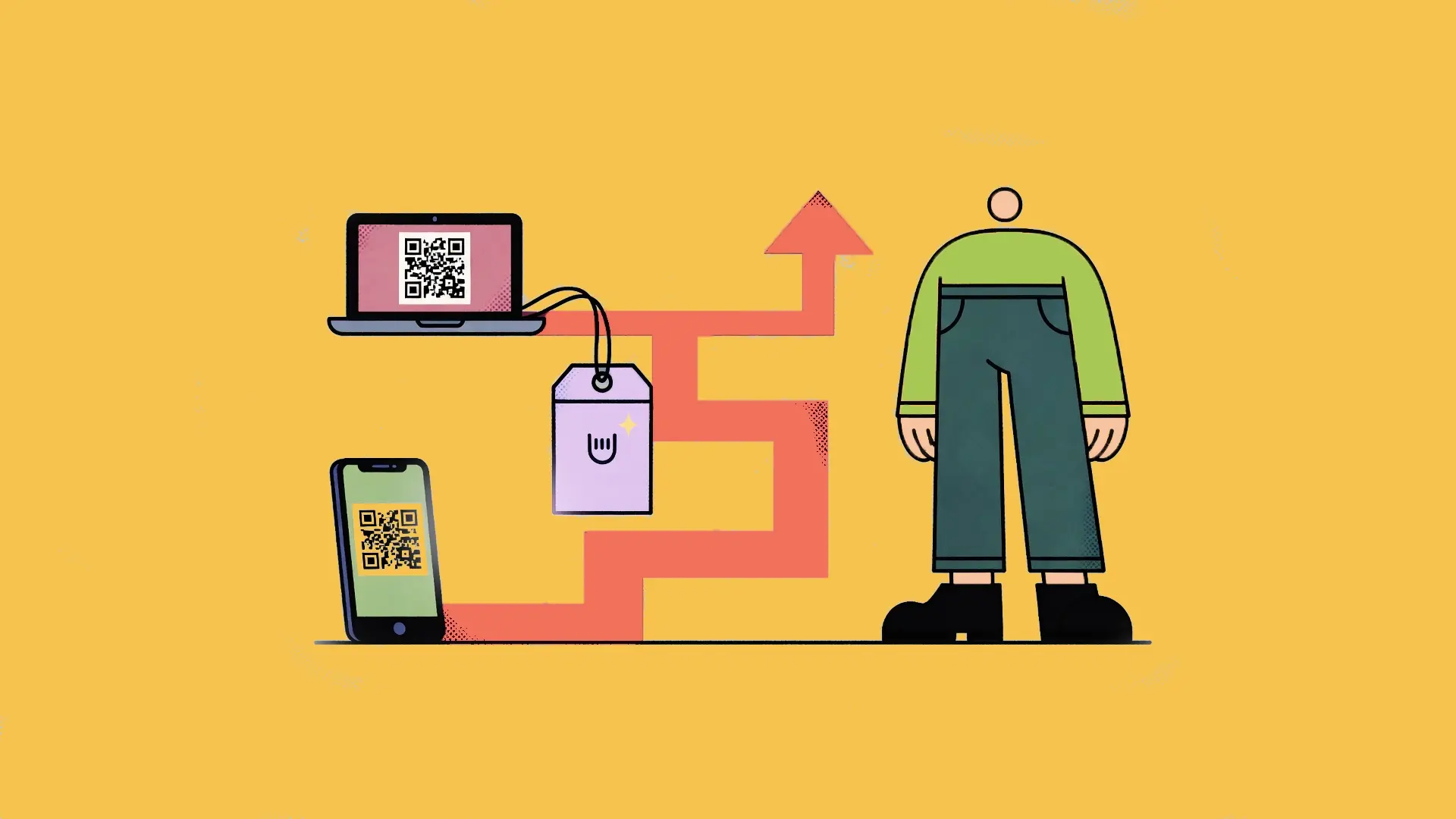
With asset tagging, you create custom asset tags that are attached to these physical assets. Through them, you can seamlessly keep track of the assets in your network and maintain detailed asset records throughout their lifecycle.
Typically, the information found on an asset label is synced up with an asset management system and stored in either an on-site server or a cloud-based data center, so you can monitor your IT network with ease.
That way, you always have accurate, up-to-date asset information on each device that’s being used. And with certain types of asset tags, you can also see who has it, what its location is, when it’s in transit, and when it’s in storage.
An asset tagging system matters for four main reasons.
First, you can achieve greater transparency with every fixed asset, and there’s never any guesswork as to what’s in your network. This is important for companies of all sizes, but it’s especially critical for larger ones with a hybrid/remote-centric workforce.
Next, asset tracking offers increased accountability, so there’s always an audit trail if issues arise.
Third, asset management helps maximize security and compliance, as any missing equipment can quickly be recovered.
Finally, it can improve IT asset lifecycle management workflows because, with some tracking technologies, you can keep tabs on information like purchase date, update history, and license renewals.
When you combine these benefits with the relatively straightforward nature of implementing asset tagging, it’s a no-brainer for many companies.
Types of Asset Tags and Technologies
Barcode Asset Tags
This is one of the more traditional asset tagging techniques and simply involves placing barcode labels on equipment like laptops, mobile devices, and networking equipment.
Once barcodes have been applied, employees use a scanner or mobile app to scan a barcode into your IT network. From there, you can keep track of IT assets throughout their lifecycle.
Many businesses prefer barcode asset tracking because it’s easy, cost-effective, and tends to be a good option for those just getting started with asset management.
And if you have a minimal number of assets and only need the basics, this asset tagging system should be sufficient.
Just note that you can’t store as much information on barcode asset tags, as you’re mainly limited to a unique asset ID, as opposed to more detailed info like purchase data, warranty information, and location, which is available on other types of asset tags.
QR Code Asset Tags
A QR code tagging system is somewhat similar to barcode tags in that it involves placing an inventory tag on a device. However, the key difference is that this type of asset management allows you to house significantly more data.
That’s because QR code asset tags can include info like asset ID, device serial number, and service records. You can even include a URL that links to data stored in the cloud.
So if you’re looking to create a more robust asset management system than what you can get with barcode tagging, QR asset tags can be a great option.
Another plus is that you don’t need any specialized equipment, like a scanner, to distribute devices with QR asset tags. All you need is a smartphone.
RFID and NFC Asset Tags
Short for Radio Frequency Identification (RFID) and Near Field Communication (NFC), these forms of asset tagging are the most sophisticated options in this guide, as they use radio waves to transmit information.
RFID tags are unique because they can be read at a distance and don’t require direct scanning. This makes them perfect for businesses that need to track a large quantity of IT assets and don’t want to be hassled with line-of-sight tagging.
An NFC tag, on the other hand, is a short-range version of an RFID tag and typically uses a smartphone to scan in information.
In terms of storage capabilities, both RFID tags and NFC tags can hold considerably more data than barcode tags, but not usually as much as QR tags. The only exception would be if you use higher-end RFID or NFC technology, which can house as much or even more than QR tags.
As for cost, they tend to be more expensive than barcode tags and QR tags.
IT Asset Tagging Best Practices
Choose the Right Tag Type
The most important part of this asset tag selection guide is knowing which type of tag to choose.
There are four main factors to take into consideration when choosing an asset tracking system — volume of devices, data storage needs, budget, and whether or not you’re willing to integrate additional systems like a barcode scanner or a radio frequency reader.
If, for example, you’re a fairly small business with a minimal number of devices, have a limited budget, and only need to store basic information, barcode asset management should be sufficient, and investing in RFID tags probably wouldn’t be necessary.
If you’re in the same boat and need to store more information, then QR asset tags are likely your best bet. Further, if you simply wanted to use smartphones to scan physical asset inventory, QR code labels would be ideal because this can be done without a scanner.
On the other hand, if you have a larger company — perhaps enterprise level — and have a high volume of devices where automation is important, and you have a sizable budget, then an RFID inventory tracking would likely be the best option.
Also, be smart about the type of tag material you choose. Paper barcodes, for example, tend to wear out the quickest and will likely need to be replaced more frequently.
However, plastic asset labels tend to be a bit tougher, and metal asset tags are tougher yet and shouldn’t need to be replaced as often. You may also want to use tamper evident labels for added security.
Tag Placement and Application
When attaching tag labels, there are a few best practices to keep in mind to ensure streamlined tracking of devices throughout their lifecycle.
Here are some tips.
- Thoroughly clean each device’s surface prior to application to ensure it sticks properly, as this is important when applying 2D code labels, multi part labels, fast ship asset tags, or any other type of tags.
- Place each asset tracking tag on a flat surface away from heat-prone areas to prevent peeling and extend the lifetime.
- Place each asset tag in the same location on each device for easy, consistent visibility.
Information to Include on Asset Tags
You can only comfortably include so much information on an asset tag, so you need to be selective while also being cognizant of sensitive data.
In most cases, you’ll simply want to include your company name or logo and a unique asset ID number. And in some cases, you may also want to include contact information.
As for sensitive data, it should never be included directly on the asset tag. Instead, store it on your asset management system for better security.
Also, it’s generally not recommended to use date labels because they can create complications later on if there’s an extended warranty or equipment changes hands.
Categorize Your Devices
Say an employee is scanning in several devices at once. You can save them time by creating custom asset labels that categorize devices.
For instance, you could include three-letter prefixes for different devices, such as “LAP” for laptops, “TAB” for tablets, and “PHO” for smartphones.
Perform Consistent Audits
The last of our IT asset management best practices is not to treat asset tagging as a one-off endeavor.
Instead, it should be viewed as a process that requires ongoing audits, refinement, and optimization to increase accuracy, security, and overall efficiency.
Some specific tasks should be checking inventory quarterly, inspecting asset labels to ensure they’re still attached, in place, and scannable.
Note that if you have a large inventory, you can check a certain percentage of devices chosen at random (e.g., 25%) rather than meticulously going through each one to save time.
Implementing an Asset Tagging System
Whether your team is large or small, having success with asset tracking requires careful planning, strategy, and execution, and there’s a specific sequence of steps you’ll want to follow to help things go smoothly.
First, be clear about exactly what it is you’re looking to accomplish with asset management tool tracking. For instance, maybe your primary goals are to maximize the visibility of your IT inventory and increase accountability.
Next, decide which specific type of asset labels you want to use for inventory tracking — barcode, QR code, RFID, or NFC tags.
Third, choose the right asset management software to integrate with your tags.
If, for instance, you only have limited needs, a basic free asset management software may be sufficient. Or if you have a remote/hybrid-heavy workforce, you’ll likely want remote asset management software.
Fourth, use a standardized labeling system to categorize IT assets, as discussed earlier, to establish continuity.
From there, it’s simply a matter of physically attaching tags to every device within your IT inventory and properly training your staff on key components like how to scan a barcode tag, QR code tag, or NFC tag.
Or if it’s an RFID asset tag, you’ll want to train them on how to approach bulk scanning.
Taking Control of Your IT Asset Inventory
Any time you’re managing dozens, hundreds, or even thousands of IT assets, the logistics can quickly become overwhelming. But with proper asset management, you can take control of your assets and turn your network into a well-oiled machine.
If you’re looking to make this process even more efficient and support the IT lifecycle end-to-end, consider allwhere. We offer a mix of IT asset management services and software, including assistance with procurement, deployment, management, storage, and retrieval.
With allwhere, you can conveniently sync devices into your IT inventory and add new ones as they’re purchased. Through a user-friendly dashboard, you can keep tabs on what you have, what’s being stored, upgrade reminders, and much more.
We operate in over 48 countries and happily cater to companies that need urgent solutions. Get a full overview of how allwhere works.
