

Article by

Topics

One platform to manage the entire IT device lifecycle
GET STARTEDLooking to get the IT Asset Management Audit Steps right now?
You can preview the audit checklist here, and use the download buttons below.
An asset management audit provides a bird's-eye view of all the assets in your IT inventory and pinpoints issues, gaps, or discrepancies that should be addressed.
Asset audits are important because they provide detailed visibility into your inventory and set the stage for making your asset management lifecycle more efficient, secure, and cost-effective.
Below, you’ll learn everything you need to know to create the most accurate IT inventory possible.
How to Execute an IT Asset Management Audit
1. Identify Your Asset Management Audit Objectives
As with any initiative, the first question to ask yourself when approaching an asset audit is why.
What are your core goals and objectives of an asset audit? And what do you hope to achieve for your organization through your effort?
For example, a common objective is to map out exactly how many hardware assets like desktops, laptops, and mobile devices you have in your IT inventory.
You may want to increase your inventory accuracy to ensure that all devices are accounted for and that nothing has been entered into your database twice.
Further, you may want to pinpoint low asset utilization, where you find assets that could potentially be decommissioned to reduce your IT costs and focus asset allocation on more productive areas.
The purpose here is to know what you’re looking to accomplish, as well as what being successful with an asset audit and service management looks like. That way, you can execute your internal audit with clarity and no wasted effort while coming up with KPIs for measuring the results.
2. Create an Asset Inventory
Next, you’ll want to create a comprehensive inventory of every single asset your organization uses. This can include physical assets, software assets, cloud assets, or anything else used in operations.
In this part of the audit cycle, you’ll want to ensure that each asset record is highly detailed by including asset data, such as:
- Asset device
- Type
- Make
- Serial number
- Purchase date
- Asset value
- Warranty expiration
- Assignee
- Condition
- Asset lifecycle status
Because asset discovery can be a meticulous process, especially for larger companies, it’s helpful to use IT asset management services and software to streamline this stage of an asset audit.
With allwhere asset management software, for example, you can see all of your devices across employees and locations, as well as see what’s currently in storage or transit. This data can be conveniently accessed from a single dashboard for maximum asset visibility. (Software platform access is included for all service clients.)
And as changes are made with devices being added or removed, your inventory will be automatically updated to reflect those changes.
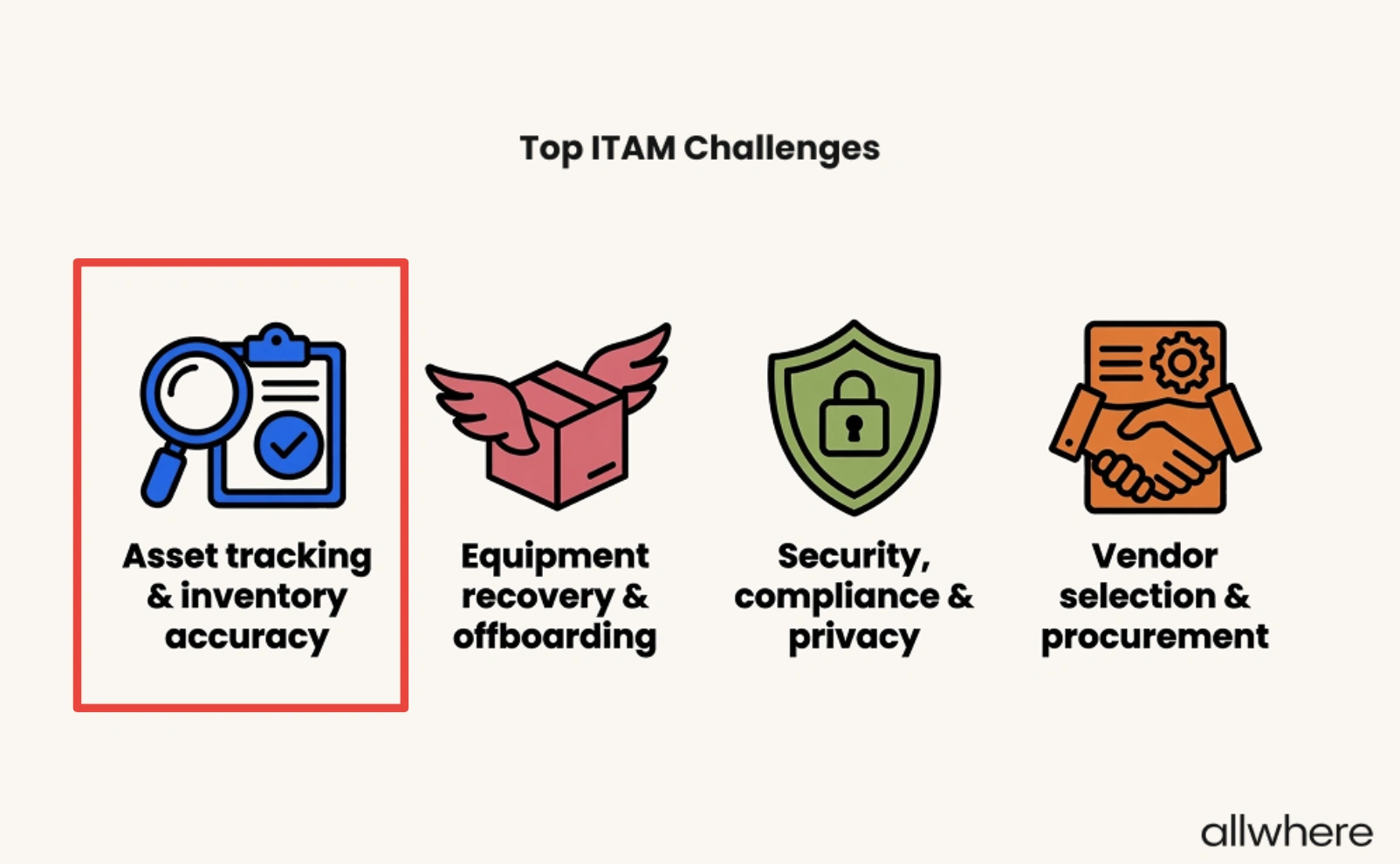
Considering asset tracking and inventory accuracy were cited as the top ITAM challenge, this type of tool can be extremely helpful for an inventory audit.
allwhere is one of today’s top IT asset management companies and can be ideal for organizations that want to take the hassle out of asset audits and asset lifecycle management in general.
Just note that you may not necessarily want asset management software to be your single point of truth, and it’s important to perform manual checks when necessary. This brings us to the next step of a routine audit.
3. Verify Your Asset Inventory
Once you have your inventory nailed down, you’ll want to double-check it to ensure everything you’ve recorded is correct.
This typically starts with physical devices, where you’ll look at identifiers like asset tag, device, make, and serial number to see if there’s a match.
Note that verifying on-site devices is fairly straightforward, as you should have physical access to hardware and equipment. Remote devices, however, can be trickier and may require employee outreach during an asset audit. Fully distributed, hybrid, and remote companies often use offsite storage for IT devices to fill this gap.
(Hint: allwhere can help here! And if you’re having trouble tracking down your current inventory, let us help you verify it.)
For software and cloud-based assets, you’ll want to look at things like software asset management, user accounts, subscriptions, licenses, and installations.
While doing so, you’ll want to be on the lookout for things like unused accounts, duplicate subscriptions, and licenses that were given to previous employees who no longer work for your company.
The point here is to compare what you have on file versus what you actively have in your inventory. If you find any issues or discrepancies, make a note for future investigation, which we’ll discuss later on in the asset audit process.
4. Review Security and Compliance
Because of the often high volume of data that’s housed in an IT infrastructure, security and compliance are always a top concern for organizations.
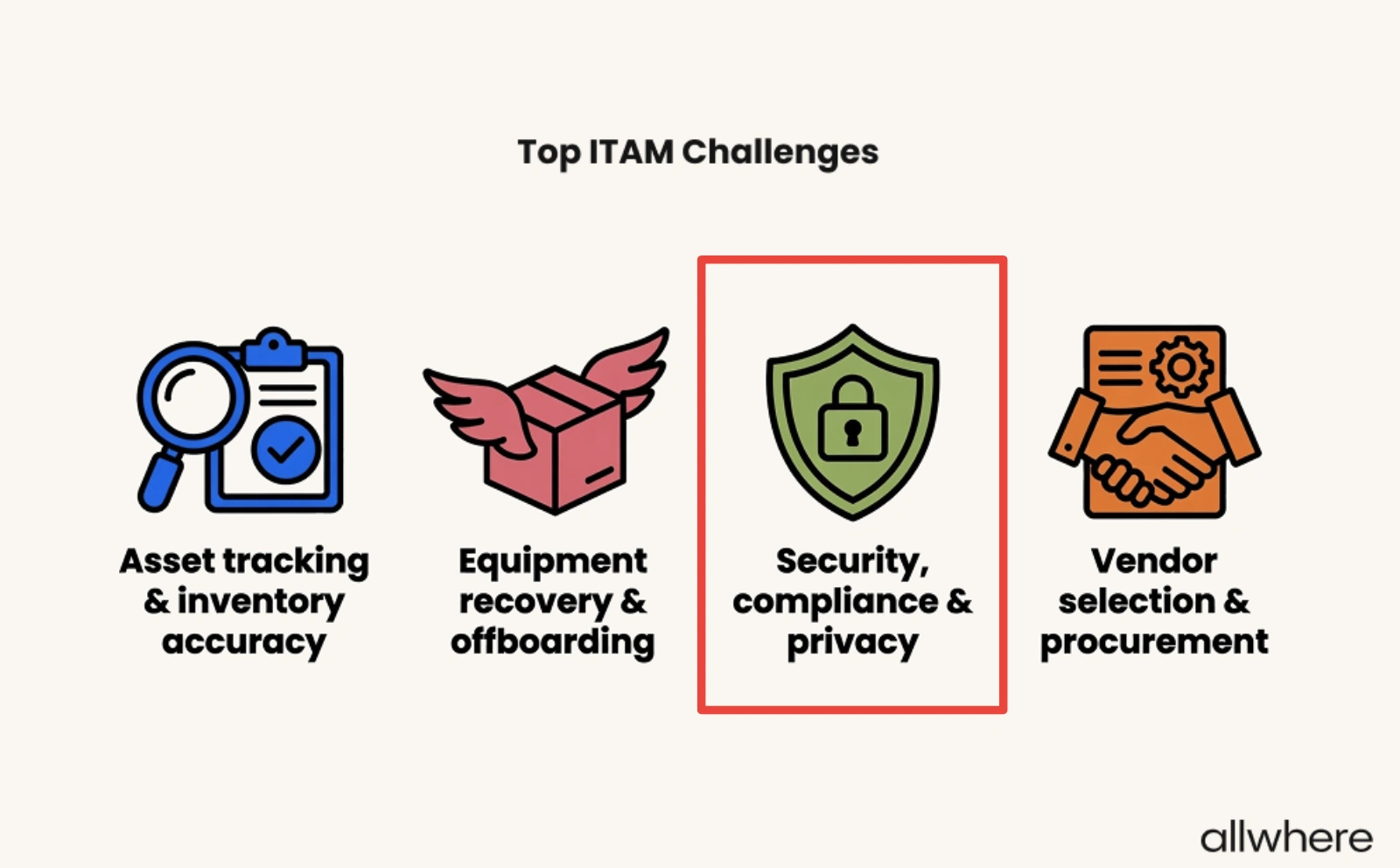
In fact, of the top ITAM challenges, security, compliance, and privacy were ranked as number three, which shows it’s an area where many companies are struggling.
That’s why the fourth step in the asset audit process involves reviewing both security and compliance to ensure you’re not taking any unnecessary risks.
This process can look a little different from company to company, but here are two of the most common ways to address these areas.
First, check the age of existing assets to make sure they’re not creating a liability.
For instance, most experts agree that business laptops have an average lifespan of three to five years — a trend that correlates with asset depreciation. After that, they’re unlikely to support performance and security needs, which can put your company at risk.

Second, you’ll want to look for shadow devices like unauthorized laptops and mobile devices and authorized subscriptions. Because these operate outside of your IT department’s direct supervision, they can create considerable security risks.
5. Review Asset Ownership
Knowing what you have in your inventory audit is an essential starting point. But the other part of the equation is knowing who has what.
More specifically, you’ll want to confirm that whoever you have marked as an assignee of a particular device actually has it in their possession and you’re not dealing with any ghost assets.
Say, for instance, your records show that an employee was assigned a tablet, but they left your company three months ago, and it was never returned. This would be an asset audit discrepancy that would require your attention.
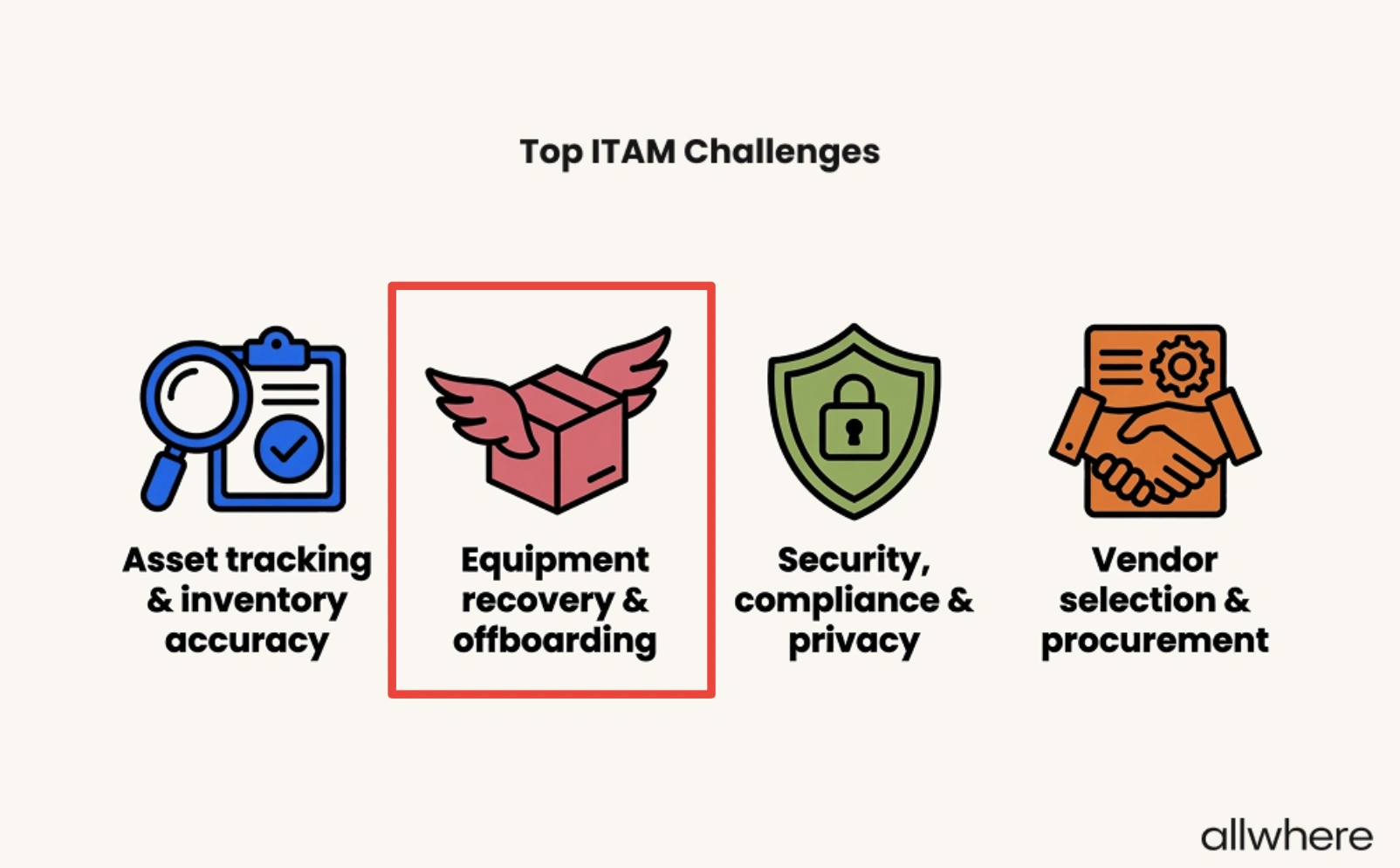
Note that this type of situation is yet another of the top ITAM challenges, with equipment recovery and offboarding coming in at number two.
In this scenario, you would need to attempt to track down the tablet and either assign it to another employee, resell, recycle, or dispose of it.
If you’re wondering what companies do when remote employees refuse to return equipment, 33% use an MDM to lock it remotely, 29% refer the issue to their legal department, 21% withhold pay (this is actually illegal in most states), and 15% write off the loss and move on.
.webp)
The goal here is to ensure that the devices that have been assigned to employees are accurate and up-to-date, and there are no devices floating around that are unaccounted for.
6. Investigate Issues and Discrepancies
At this point, you should have a fairly clear overview of what your IT inventory should look like and what it actually looks like.
Physical assets, software assets, cloud assets, and asset ownership should have been recorded during the asset process. And you should have verified everything to check for issues or discrepancies.
With hardware, for example, maybe you discovered that there are a handful of decommissioned devices that are still marked as active during your asset audit.
Or with software, maybe you’re using an out-of-date version that could be creating security vulnerabilities.
Whatever the case may be, you’ll want to know exactly what’s going on and how it could impact security, compliance, or asset valuation. And from there, you can 1) take steps to figure out what caused it so that it doesn’t happen again and 2) resolve the issue.
For instance, if you have found decommissioned devices that were still marked as active, this would likely point to gaps in your asset retirement workflow. As for resolution, we’ll tackle that shortly.
7. Create and Share Your Audit Findings
Finally, you’ll want to create a formal report for your team or external auditor that outlines the entire regular IT asset audit process.
InvGate specifically says you should “generate the report, filtered by type, status, or compliance, with delivery scheduled for each stakeholder.”
Be sure to give an overview of your audit scope, what your objectives were, and what was involved with the audit trail.
It’s also important to provide specific details from your asset management software, like the number of decommissioned devices that were still marked as active and which types of software you were using that were out-of-date.
This should offer more context and help team members better understand the negative impact the discrepancies can have and put your team on the path to better alignment with asset management best practices.
Besides that, you’ll want to state what recommended actions your company should take to resolve the issues.
From there, it’s just a matter of sharing the asset management audit with the right stakeholders, which primarily includes IT team members and those involved with security and finance.
How to Address Gaps or Discrepancies
Start by prioritizing discrepancies by threat level and take a triage approach where you address each one by its severity.
Say, for example, you have one issue where you simply have a few decommissioned laptops that are still marked as active. That would take a back seat to discovering unauthorized software or a missing asset that could create serious security and compliance risks.
Further, it’s important to specify which team members are responsible for taking action, create clear remediative tasks to resolve issues, and set firm deadlines.
That way, there shouldn’t be any confusion as to who needs to do what, serious threats can be prioritized over lesser ones, and the asset management process should be completed within a reasonable timeframe.
And once the appropriate team member has resolved an issue, it should be documented so that you can cross it off of your asset audit checklist and refer to it later if necessary.
Why Regular Audits are Important
IT environments are in constant flux, with new assets constantly entering inventories and old ones being replaced or removed. On top of that, there are new employees onboarding and old ones offboarding, resulting in continual change.
Because of this, it’s extremely important to maintain an accurate record of your current assets, whether it be equipment like monitors and laptops, software, or cloud-based assets like SaaS subscriptions and virtual storage.
This is a critical part of IT asset management best practices, and routine asset auditing provides the framework to make that happen.
And so you don’t stress out about it, we suggest treating asset audits as an iterative process.
We like what InvGate says:
“None of this requires a perfect inventory on day one. It requires a process that gets a little more accurate every cycle, supported by tooling that does the tracking automatically instead of waiting for someone to update a spreadsheet.”
“Teams that treat the audit as a continuous habit, rather than a once-a-year event, stop dreading the auditor’s call because the answer to ‘what do you have’ is always current.”
With this type of approach, you should have dramatically more accurate inventory management, while boosting operational efficiency and increasing security and regulatory compliance.
Creating the Most Accurate IT Inventory Possible
Even smaller companies with only a handful of employees and relatively small inventories can struggle with keeping their assets straight.
And that becomes increasingly difficult as companies grow and teams scale.
That’s where an IT asset management audit comes in.
It allows you to create a standardized, repeatable process that paves the way for more streamlined, accurate asset lifecycle management throughout each stage — from procurement, deployment, storage, and retrieval.
Additionally, as employees come and go, you should have a better grasp of who has what as assets change hands.
That way, there shouldn’t be any question marks as to what’s in your inventory and who the assignee is.
And looking at the big picture, this should set the stage for making more informed decisions, greater accountability, less unnecessary spending, and stronger security and compliance.
